Christmas
How to prevent duplicate Christmas gifts across households
Give everyone the same current list, record gifts that were bought early, and mark how many of each item you want.
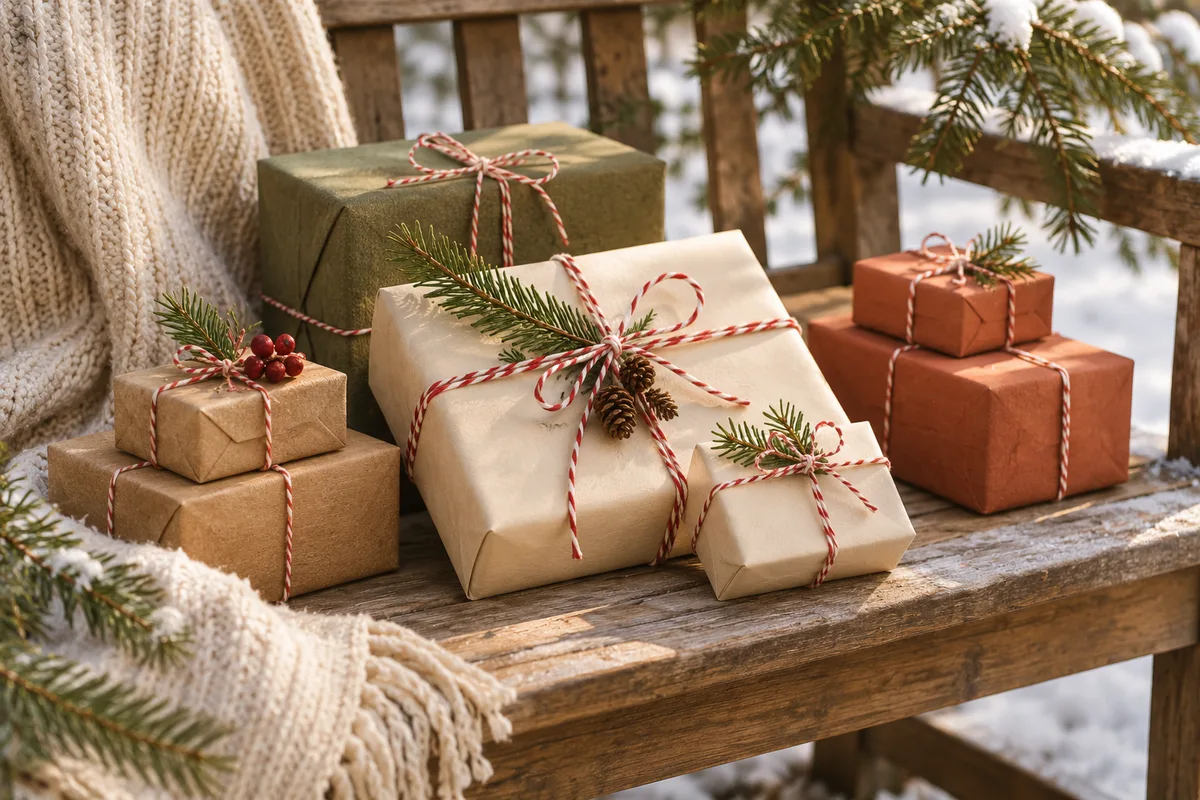
Duplicate gifts are easy to buy when different households shop from different messages. Use one current list per recipient and ask guests to reserve before buying. Deal with purchases people made early before you send the list around.
Ask about early purchases privately
Somebody may have bought the puzzle in October. Ask givers to tell the organizer privately about gifts they already have or to reserve those items themselves if they're on the list. A screenshot of an older list won't reflect those purchases, so share the current link.
Use quantity for things you want more than once
One copy of a cookbook should have one slot. If you'd like two pairs of the same socks, say so and set the quantity to two. Keep alternate shops or color options in the notes on the same entry unless they're separate gifts you want to receive.
Include relatives who won't use the list
A guest who prefers a phone call can still take part. Ask them to call the organizer before buying so one person can coordinate. Don't post the choice in the family chat if the recipient is in it.
Recheck reservations before ordering late
If you reserved something and can no longer find it, release the reservation or ask the host about alternatives. If you're choosing a gift close to the gathering, open the live list before buying. Someone may have reserved the item since you last checked.
Use these ideas with Piki
Create a family Christmas list on one link
Guests can reserve from your shared link. You choose when to reveal their names and notes.