Wish lists
How to manage separate wish lists for siblings
Give each child their own list and make it easy for relatives to pick the right gift, even when two birthdays are close together.
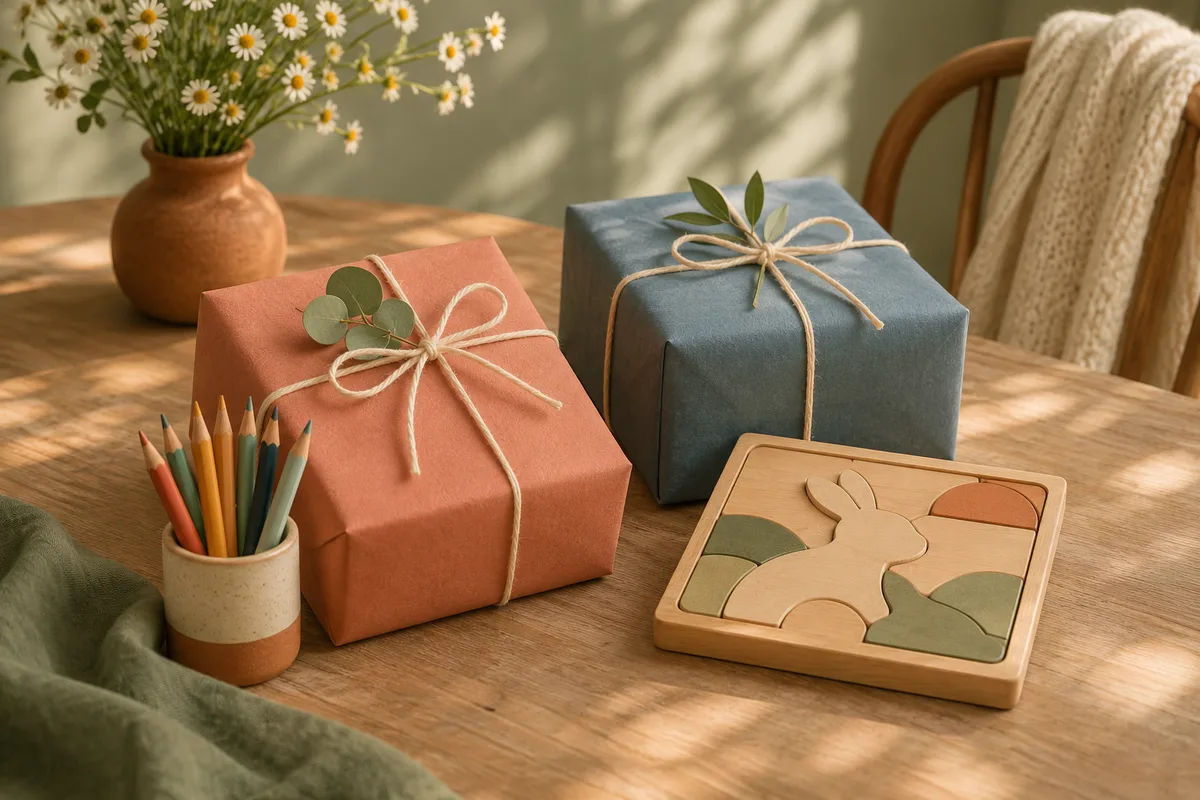
Create one list per child when gifts are meant for specific people. A single family list can work for a shared board game or an outing, but it gets confusing when two children want different sizes of the same jacket.
Make the name do the work
Use names guests will recognize, such as “Rosa's birthday ideas” and “Jules's birthday ideas.” If the celebrations are close together, include the occasion in the message. First names or nicknames are enough. Leave school names and full birth dates off the list.
Call out differences between similar gifts
If both children want art supplies, say what each would use. Rosa wants watercolor paper for her existing paints. Jules wants washable markers. Add sizes, colors, or the edition of a book where the difference matters.
Give shared gifts one home
A family zoo pass or garden game can go on one list with “For both children” in the note. If the gift appears twice, it can get reserved twice. In a message that includes both links, tell guests which list holds the shared ideas.
Send both links with labels
Try: “Here are the ideas you asked for. Rosa: [link]. Jules: [link]. Anything marked ‘for both’ only needs to be bought once.” If the children will see the messages, use a separate adult chat for reservations and buying plans.
Use these ideas with Piki
How to make a private wish list with Piki
Guests can reserve from your shared link. You choose when to reveal their names and notes.